BetPKR Deposit Successful but Balance Not Updated
A payment can sometimes show as successful in JazzCash, Easypaisa, or another payment service while the BetPKR balance has not updated. Do not immediately send the same payment again.
- Author
- BetPKR Editorial Team
- Published
- Updated
- Reading time
- 2 min read
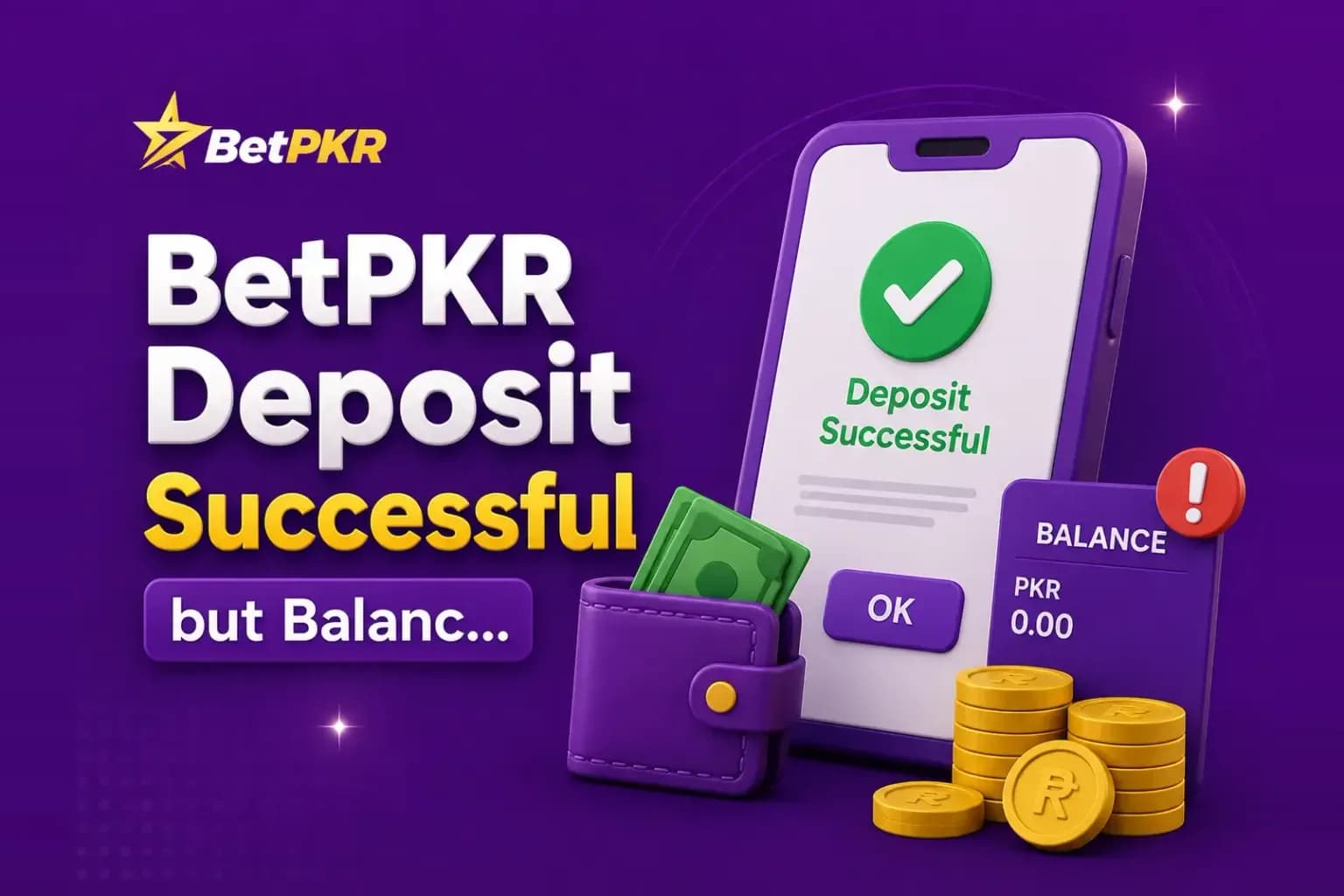
A payment can sometimes show as successful in JazzCash, Easypaisa, or another payment service while the BetPKR balance has not updated. Do not immediately send the same payment again. First confirm where the money went, save the transaction evidence, and check whether the transaction is still being processed.
Confirm That the Payment Was Successful
Open the payment service used for the deposit. Check whether the transaction says successful, completed, pending, failed, or reversed. A wallet notification alone may not provide enough information. Open the full transaction record.
Check the Recipient Details
Compare the payment information with the instructions displayed during the deposit. Check account or wallet number, recipient information, amount, date, and transaction reference. One incorrect digit can send money to the wrong destination.
Save the Transaction ID
Save transaction ID, payment screenshot, deposit amount, date and time, recipient details, and BetPKR account identifier where appropriate.
Refresh Your BetPKR Balance
Close and reopen the wallet or account page. If necessary, log out and log back in. Do not keep making new deposits while checking the first one.
Check the Deposit History
If the platform provides transaction history, look for the payment there. Possible statuses may include pending, processing, successful, rejected, or failed.
Did You Follow All Deposit Steps?
Some deposit methods require more than transferring money. A platform may ask the user to enter the amount, select a payment method, make the transfer, provide a transaction reference, and confirm the payment.
Do Not Send Another Payment Yet
Resolve or understand the first transaction before sending more money.
Contact BetPKR Support With Evidence
Provide transaction ID, payment amount, transaction time, screenshot, and deposit method. Never send wallet PIN, login password, OTP, or full banking password.
Watch for Fake Deposit Support
Be cautious if someone asks you to send a “verification fee” privately, reveal an OTP, share wallet login details, install screen-sharing software, or transfer more money to a personal number.
What If the Money Went to the Wrong Number?
Contact the payment provider as soon as possible and keep the transaction record. Do not alter screenshots or create fake transaction evidence.
How to Avoid the Problem Next Time
- Open the current deposit screen.
- Select the payment method.
- Verify the recipient.
- Check the amount.
- Follow every step.
- Save the transaction ID.
- Wait for confirmation before depositing again.
Conclusion
If a BetPKR deposit is successful but the balance is not updated, do not panic or send another payment immediately. Confirm the payment status, save the transaction ID, check recipient information, review deposit history, and contact support with clear evidence if necessary.
FAQs
Processing can vary. Check the current transaction status rather than relying on an unverified fixed time.
Not until the first transaction has been checked.
Keep the transaction ID, screenshot, amount, date, time, and recipient information.
No.
Check whether the funds were deducted or reversed before trying another transaction.